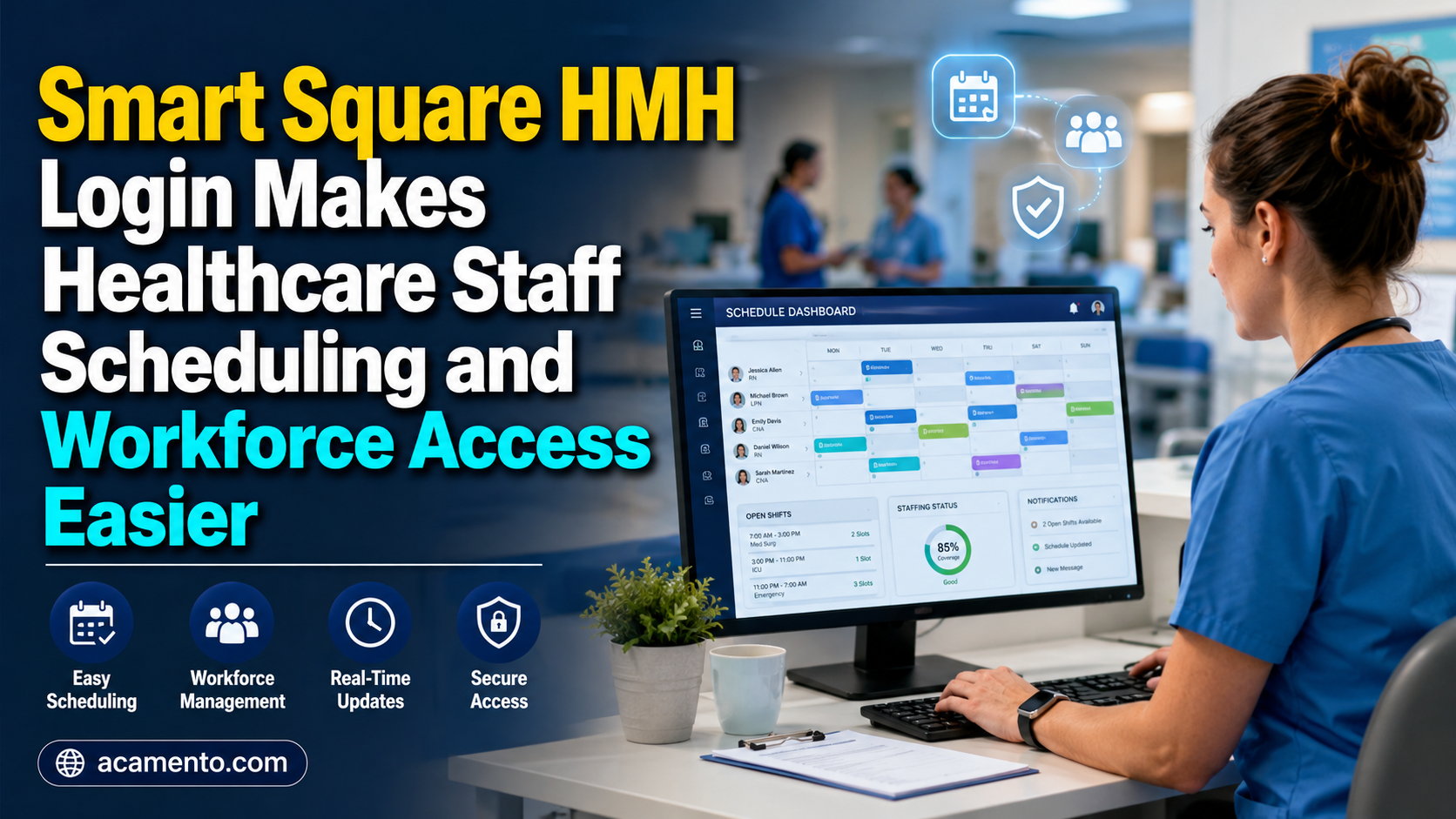
Healthcare organizations have complex staffing needs because patient demand, shift coverage, employee availability, and staffing requirements can change throughout the day. The Smart Square HMH Login gives authorized Hackensack Meridian Health team members access to Smart Square, a healthcare workforce scheduling platform used by the health system to support staffing and scheduling operations. Hackensack Meridian Health’s implementation is not simply an unofficial association between the two names: a Smart Square customer story published by symplr specifically documents HMH’s adoption of the platform and describes its use for predictive scheduling, staff deployment, and workforce planning.
Smart Square itself is designed specifically around healthcare scheduling. Its current product owner, symplr, describes the platform as combining predictive analytics, automation, open-shift management, self-scheduling, centralized staffing views, and other scheduling capabilities. In July 2025, symplr acquired Smart Square from AMN Healthcare, making symplr the current company behind the scheduling solution. For HMH employees, however, the practical concern is much simpler: signing in securely, finding the correct schedule information, and using the functions available to their particular role.
What Is the Smart Square HMH Login Portal?
The Smart Square HMH Login portal is the dedicated entry point through which eligible Hackensack Meridian Health staff can reach the organization’s Smart Square environment. The live HMH-associated Smart Square login page currently presents two access choices: “Continue to SmartSquare” and “Alternate Login.” The alternate sign-in screen provides fields for a login and password as well as a password-recovery option. This makes it important for employees to use credentials and access instructions supplied by HMH rather than information from unrelated third-party websites.
Smart Square should also not be confused with every other HMH employee resource. Hackensack Meridian Health separately operates the MyHMH environment, which provides team-member access to its intranet and applications such as MyWay-PeopleSoft and MySupport. HMH says MyWay-PeopleSoft is used for information including PTO balances and paycheck details. Smart Square has a more specific workforce-scheduling purpose, so employees looking for payroll or other HR information may need a different HMH system rather than expecting every employment function to appear inside Smart Square.
How Smart Square HMH Supports Healthcare Workforce Scheduling
Smart Square was developed around the realities of healthcare staffing rather than ordinary office scheduling. According to symplr, the software combines predictive scheduling with centralized workforce information and can help organizations anticipate staffing requirements before shifts occur. It includes tools for open shifts, self-scheduling, cyclic scheduling, on-call scheduling, enterprise staffing visibility, and integration with other organizational systems.
This approach is particularly relevant to hospitals because appropriate staffing is not simply a matter of assigning the same number of workers every day. Staffing needs can vary according to patient volume, department activity, clinical requirements, employee availability, and unexpected absences. Smart Square gives workforce leaders a central place to examine staffing requirements and make adjustments rather than relying entirely on disconnected schedules or manual processes. The platform’s current product information says predictive scheduling can forecast staffing needs as far as 120 days ahead, although the precise features available to an individual HMH employee depend on their role and HMH’s configuration.
How Employees Can Access the Smart Square HMH Login
Employees should begin with the Smart Square access method provided by Hackensack Meridian Health, their manager, department, or internal employee resources. The dedicated Meridian Smart Square portal currently gives users the choice to continue through Smart Square or select an alternate login. Users choosing the alternate method are presented with login and password fields.
After reaching the correct portal, employees should enter only their authorized credentials and follow any additional authentication instructions presented by HMH. Because organizations can update authentication procedures, employees should follow the current instructions displayed on the official system rather than relying on screenshots or login guides published years earlier. It is also a good idea to bookmark the portal after confirming it through an HMH-controlled resource. This reduces the chance of accidentally entering employee credentials on an imitation or unrelated website.
What Staff Can Manage After Signing In
The exact Smart Square functions visible after login can differ according to permissions, department, job responsibilities, and organizational configuration. At the product level, Smart Square provides staff-focused scheduling tools including self-scheduling and open-shift management, while managers have broader workforce views and scheduling information. Therefore, two HMH employees may not necessarily see an identical dashboard after completing the Smart Square HMH Login process.
For frontline staff, scheduling technology can make work planning clearer because employees can see relevant schedule information within an organized system rather than relying on several separate communication methods. Smart Square’s self-scheduling features are intended to provide employees with greater scheduling flexibility while allowing healthcare organizations to maintain coverage requirements. Open-shift tools are designed to communicate staffing opportunities and help organizations address vacancies earlier. Employees should nevertheless treat the schedule shown in their authorized HMH account as the relevant information and follow departmental policies when making or requesting scheduling changes.
How Smart Square HMH Helps With Shift Scheduling and Availability
One of Smart Square’s important characteristics is its ability to combine staff scheduling with broader information about expected staffing demand. Rather than building a schedule and waiting until the day of a shift to discover a coverage gap, scheduling leaders can use forecasts and staffing dashboards to identify possible shortages earlier. symplr describes Smart Square as supporting predictive analytics, real-time staffing adjustments, and open-shift management.
Self-scheduling can also provide a more organized way of handling employee scheduling preferences. Smart Square is designed to give staff greater flexibility while still applying coverage requirements established by the organization. That distinction matters because self-scheduling does not mean that every requested shift automatically becomes approved. A hospital still needs the correct staffing levels, appropriate competencies, and coverage across departments. Smart Square provides a structured environment where employee scheduling and organizational requirements can be considered together.
How Managers Use Smart Square HMH for Staffing Coordination
Managers and workforce leaders generally need a wider view of staffing than individual team members. Smart Square provides centralized dashboards that can show staffing, utilization, and productivity information across units and facilities. The platform is designed to help leaders identify gaps, coordinate available personnel, and make decisions based on staffing demand rather than relying exclusively on manual calculations.
Hackensack Meridian Health’s documented experience demonstrates how these capabilities have been used in practice. According to symplr’s HMH customer story, Hackensack Meridian Health initially adopted Smart Square at five hospitals and later expanded its use during the COVID-19 pandemic. The platform provided dashboards showing staffing requirements and supported more informed workforce decisions. The case study also reports that HMH concentrated on reducing full-time-equivalent leakage and achieved a 6.5 percent reduction compared with the previous year during the initiative discussed in the report.
Common Smart Square HMH Login Problems and Possible Solutions
Login difficulties do not necessarily mean that Smart Square itself is unavailable. A user may have entered an incorrect password, selected the wrong authentication option, opened an outdated bookmark, experienced a browser problem, or encountered an account-specific access issue. The first step should be confirming that the employee is using the authorized HMH Smart Square portal. If the standard sign-in method does not match the user’s account instructions, the portal also currently provides an Alternate Login option.
Basic troubleshooting can include checking the username carefully, making sure Caps Lock is not changing the password, refreshing the page, reopening the browser, or trying an organization-approved browser. Employees should avoid repeatedly guessing passwords because this can potentially complicate an already existing account problem. When the credentials appear correct but access still fails, the safest next step is to use HMH’s authorized support process or contact the appropriate internal support team rather than sharing credentials with an unofficial support website.
Password Reset and Account Access Tips
The Smart Square HMH portal includes a password-recovery process for the alternate login method. Its reset screen currently requests a Login and Email before the user can send a password-reset request. Employees should enter the email associated with their authorized account and follow the instructions provided through the official recovery process.
A password reset will not necessarily resolve every access problem. Accounts may also be affected by employment status, permissions, departmental configuration, or other authentication requirements controlled by HMH. If the recovery option does not recognize the account or the employee continues to receive an error, internal HMH assistance is preferable to attempting workarounds. Employees should never send their password to someone claiming they can manually unlock Smart Square.
Security Practices for Using the Smart Square HMH Portal
Because workforce platforms contain internal employee and scheduling information, secure login habits are important. Staff should access Smart Square through trusted devices and networks whenever possible, keep passwords private, and sign out when using a shared or workplace computer. Saved passwords on publicly accessible computers should be avoided, and unexpected requests for credentials should be treated cautiously.
Users should also distinguish official employee tools from independent websites that publish Smart Square guides. A website appearing prominently in search results does not automatically make it an HMH or Smart Square resource. Using an HMH-approved access route is particularly important when an employee is entering work credentials. Keeping the official portal bookmarked after it has been verified can make routine access both quicker and safer.
Benefits of Smart Square HMH for Healthcare Employees and Managers
The main value of Smart Square HMH comes from bringing workforce scheduling information into a system designed for healthcare operations. Employees can benefit from greater visibility and scheduling flexibility, while managers can use centralized staffing views and forecasting tools to identify potential coverage needs earlier. Smart Square also supports integration with HR, payroll, timekeeping, and electronic medical record technologies, although actual HMH integrations and employee-visible functions should not be assumed beyond what the organization has configured.
For Hackensack Meridian Health specifically, Smart Square has become part of a documented workforce-management strategy rather than simply serving as a basic calendar. HMH’s customer story describes using the system to streamline staffing processes, monitor workforce commitments, and provide managers with more useful staffing information. That helps explain why the Smart Square HMH Login matters to employees: it is the gateway to a scheduling environment intended to connect individual work schedules with broader hospital staffing requirements.
Important Points to Remember Before Using Smart Square HMH
Employees should use only the login route supplied or verified by Hackensack Meridian Health, protect their credentials, and remember that available Smart Square functions can vary by role. Smart Square is primarily a healthcare staffing and scheduling platform, while HMH maintains other employee systems for different purposes. The login portal currently supports its standard continuation method as well as an alternate login, and a password-recovery option is available for users of the alternate credential-based sign-in.
Ultimately, Smart Square is most useful when employees and managers treat it as part of the organization’s broader workforce process rather than as a standalone scheduling calendar. Predictive staffing, centralized visibility, self-scheduling, and open-shift management can give healthcare teams more structure around a task that is naturally complicated. For HMH team members, reliable access to the system helps ensure they can reach the scheduling information and workforce tools authorized for their position.
Frequently Asked Questions About Smart Square HMH Login
What is Smart Square HMH Login?
Smart Square HMH Login is the access point for authorized Hackensack Meridian Health users of the Smart Square healthcare workforce scheduling platform. HMH’s use of Smart Square for predictive scheduling and staff deployment has been documented by the platform’s current owner, symplr.
How do I log in to Smart Square HMH?
Use the Smart Square portal provided or verified by Hackensack Meridian Health. The current Meridian login page offers “Continue to SmartSquare” and “Alternate Login” options.
What should I do if I forget my Smart Square HMH password?
The alternate Smart Square login provides a password-recovery option. The current reset page asks for the user’s login and email before sending recovery instructions.
Can employees use Smart Square for self-scheduling?
Smart Square supports self-scheduling and cyclic scheduling as product capabilities. Access to specific scheduling functions depends on the organization’s setup and an employee’s permissions.
Is Smart Square only useful for employees?
No. Frontline staff can use employee-facing scheduling functions, while managers and workforce leaders can use centralized dashboards, predictive information, and staffing tools to coordinate workforce requirements.
Is Smart Square the same as MyHMH?
No. HMH describes MyHMH as its team-member intranet hub with access to applications such as MyWay-PeopleSoft and MySupport. Smart Square is specifically focused on workforce scheduling and staffing.
Who currently owns Smart Square?
symplr acquired Smart Square from AMN Healthcare in July 2025 and currently markets the product as part of its healthcare workforce-management offerings.
Read More: Acamento